
How do I connect cTrader?
Add Account → cTrader → Authenticate with cTrader. Complete the browser login and approval, then return to the app so accounts can load. Help classifies cTrader as an OAuth platform.
Trade Copier

cTrader connects to DaneTrades through browser OAuth rather than a password form in the app. Authenticate with cTrader, approve access, return to DaneTrades, then assign master or follower roles on each copier link.
What DaneTrades supports
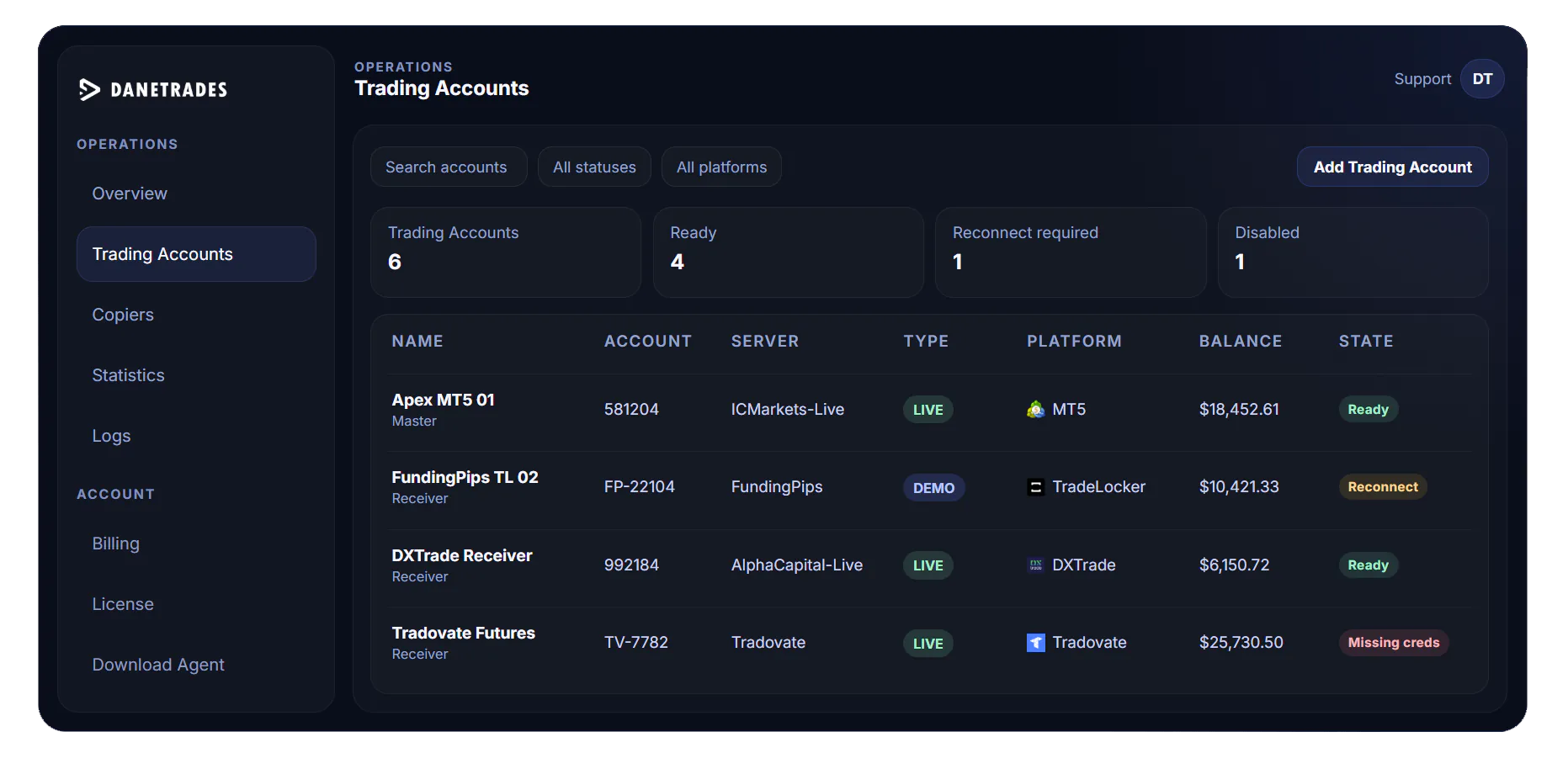
Unlike web platforms that collect broker credentials in-form, cTrader uses a browser approval flow. Once accounts load into Trading Accounts, they participate in the same cloud master/receiver model as MT4, MT5, TradeLocker, DXtrade and MatchTrader.
Setup
Open Add Account, choose cTrader, start Authenticate with cTrader, complete login and approval in the browser, then return to DaneTrades. Help recommends verifying with a small test copier link and checking Logs rather than assuming the first live trade will behave as expected.
Copy settings
Help does not document cTrader-only volume formulas. Use the shared sizing modes and Symbol Mapping on each connection. Filters, safe mode and disable behaviour apply the same way as on other trading platforms.
Limitations
Allow popups for the approval window. Confirm you approve the intended cTrader/broker identity. Finish approval before returning to the app. If accounts do not appear immediately, wait for the post-approval load rather than repeating incomplete attempts.
Pricing
$10 per connected trading account per month. Minimum two accounts / $20. Free account creation; no free cloud trial; no yearly plan.
FAQ
Add Account → cTrader → Authenticate with cTrader. Complete the browser login and approval, then return to the app so accounts can load. Help classifies cTrader as an OAuth platform.
Popup blockers, signing into the wrong cTrader or broker identity, leaving the approval incomplete before returning, or network delays after approval are documented issues.
Each connected trading account costs $10 per month. Minimum setup is two connected accounts for $20 per month.
Next step
Account licences cost $10 per connected trading account each month. Minimum setup is 2 connected accounts for $20 per month.